
QR Coupon
How it works
QR Coupon turns any WooCommerce product — with an optional coupon — into a single scannable code. Print it on a flyer, a price tag, packaging, or a shop window. When a customer scans it with their phone’s camera, they land straight in your cart with the product added and the discount already applied. No app, no typing a code, no hunting for the product.
What happens when someone scans
- They point their phone camera at the code — every modern phone reads QR codes natively, so there’s nothing to install.
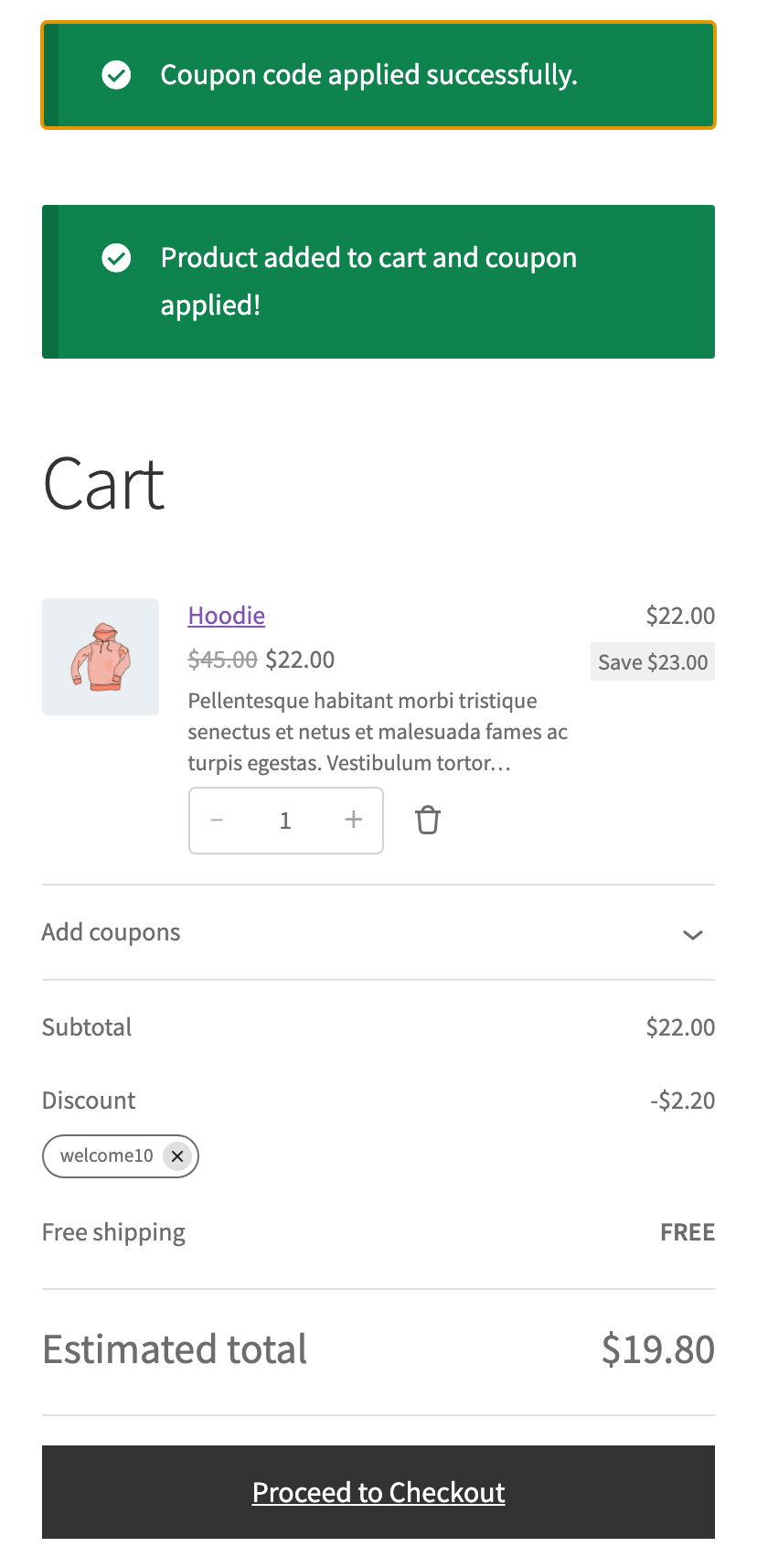
- The product (or a specific variation) is added to their cart automatically.
- If the code carries a coupon, it’s applied for them — no code to remember or mistype.
- They arrive on the cart, already discounted — one tap from checkout.
What you’ll need
- WooCommerce, active on your store (version 7.0 or newer).
- At least one product to link a code to.
- A coupon — optional. Any existing WooCommerce coupon works, or you can skip it for a plain “scan to add to cart” code.
That’s it — QR Coupon runs on WordPress 6.0+ and PHP 7.4+, and generates the codes in your browser, so nothing is ever sent to an outside service.
What’s actually in the code
Each QR encodes a plain link to your own store — something like your-store.com/?qrcw=1&p=123&c=WELCOME10. When it’s opened, QR Coupon catches the link, sets up the cart, and forwards the shopper on. Because it’s an ordinary URL, the same code works in any QR reader and you can test it by just opening it in a browser. The technical breakdown lives in the developer docs.
Ready to make one? Create your first code →